


Internet radio apps and podcasts work on virtually every Android phone made in the last decade, no hardware required. Built-in FM tuners only exist on select devices, so most listeners should start with an app instead of hunting for a hidden radio menu. For the smoothest experience in the car or at home, pick an app with Android Auto and Chromecast support. And if you already know you want the culture, curated Hip-Hop, R&B, Afrobeats, dancehall, the good stuff, Hot Mic Radio streams directly and can be added straight from the site.
TL;DR:
- Built-in FM tuners are limited and often disabled; streaming apps with Android Auto and Chromecast support offer a more reliable listening experience.
- Preference should be given to direct broadcaster streams over aggregator apps for better audio quality and fewer connectivity issues.
- Streaming at 128 kbps consumes roughly 57 MB of data per hour, so using Wi-Fi or adjusting bitrate settings can help manage data usage effectively.
- Custom stream URL import and the ability to save favorites are essential features for accessing niche or regional stations not listed in directories.
- Hot Mic Radio focuses on streaming live Hip-Hop, R&B, Afrobeats, and dancehall, emphasizing support for independent artists and direct artist engagement.
Table of Contents
- Your Main Routes for Radio on Android: Tuner, Apps, or Podcasts
- How to Start Listening to Radio on Android Right Now
- What Makes a Radio App Actually Worth Keeping
- How Much Data Does Streaming Radio Actually Use?
- Streaming Hot Mic Radio Directly on Your Android Device
- Why Most Radio Advice Gets This Backwards
- Tune Into Hot Mic Radio on Android Right Now
- Sources
Your Main Routes for Radio on Android: Tuner, Apps, or Podcasts
Let’s break down what you’re actually choosing between, because “radio on Android” isn’t one thing. It’s three different experiences wearing the same name.
Built-in FM/AM tuners exist on some Android phones, usually tied to a chip that also handles Bluetooth and Wi-Fi. When present, you’ll find it in a preinstalled app or buried in settings under something like “FM Radio.” The catch: many manufacturers disable it entirely, even when the hardware technically supports it, and it usually requires wired headphones acting as the antenna. No headphones plugged in, no signal. That’s not a bug. That’s just how FM chips pull their signal on a phone.
They work on every Android device with a data connection, whether that’s a five-year-old budget phone or a brand-new flagship. You’ve got two flavors here:
- Aggregator apps that index thousands of stations worldwide, letting you browse by genre or country
- Direct station apps or streams that connect you straight to the broadcaster, no middleman
Podcasts and on-demand content differ from live radio in one key way: you control the clock. Live radio streams whatever’s airing right now, DJ sets, interviews, the vibe of the moment. Podcasts sit there waiting for you. Both matter, and honestly the best listening habit mixes both depending on your mood.
For car and home setups, look for apps built around Android Auto and Chromecast support, which lets you start a stream on your phone and throw it to your car speakers or a smart display without missing a beat.
How to Start Listening to Radio on Android Right Now
Getting sound out of your phone takes about five minutes if you follow the right order.
- Check for a built-in tuner first. Search your app drawer for “FM Radio” or peek into Settings, then Connections or Apps, for anything radio-related. If nothing shows up, your device relies entirely on streaming, which is genuinely fine.
- Install a radio app from the Play Store. Look at the permissions requested before downloading. Legitimate radio apps ask for network access and maybe location, not your contacts or camera roll.
- Browse or search for stations. Most apps let you filter by genre, city, or language. Type the station name directly if you know what you want.
- Save favorites and set presets. Tap the heart or star icon on any station you like so you’re not re-searching every session.
- Import a custom stream URL for niche stations. Some apps have a “+” or “Add Station” option where you paste a direct
.pls,.m3u, or JSON stream link. This is how you guarantee access to independent stations that might not show up in a general directory. - Connect to Android Auto or cast to Chromecast. Plug in or pair your phone, and most apps auto-detect the connection and offer a simplified, tap-friendly interface for driving.
Pro Tip: If a station isn’t listed in your app’s directory, check the broadcaster’s own website for a “listen live” link. Right-click (or long-press on mobile) to copy the actual stream URL, then paste it into your app’s custom import field. This trick works for smaller or regional stations that bigger directories skip entirely.
What Makes a Radio App Actually Worth Keeping
Not every app in the Play Store deserves a spot on your home screen. Here’s what separates the ones worth keeping from the ones you’ll delete in a week.
Look for these features before committing:
- Android Auto and Chromecast compatibility for hands-free driving and home speaker casting
- Direct broadcaster streams rather than scraped or third-party rebroadcasts, which tend to buffer more
- Custom stream URL import so you’re never locked out of a station the app doesn’t officially list
- Sleep timer and equalizer controls for late-night listening and sound tuning
Before installing anything, glance at the publisher name and read a handful of recent reviews, not just the star average. A pattern of “won’t connect” or “ads every 3 minutes” complaints tells you more than a 4.2 rating ever will. Google Play’s app permission disclosures also show you exactly what data an app collects before you commit.
Free apps typically run pre-roll or banner ads. If that bugs you, some stations offer ad-light or ad-free listening by going direct to their own stream instead of routing through a third-party directory app.
How Much Data Does Streaming Radio Actually Use?
Most radio streams run somewhere between 64 kbps and 128 kbps, meaning roughly 30 to 60 megabytes per hour depending on the station’s chosen bitrate. Lower bitrates conserve mobile data at the cost of some clarity; higher ones sound richer but chew through a data plan faster on a long commute.
Data Reality Check: An hour of radio at 128 kbps runs about 57 MB. Switch to Wi-Fi whenever possible, or select a lower-bitrate stream in your app’s settings if you’re commuting on a limited plan.
Buffering usually traces back to weak signal, an overloaded app cache, or a station using low-quality relay servers instead of a direct broadcaster feed. Clearing the app cache and reconnecting fixes most short-term dropouts.
Streaming Hot Mic Radio Directly on Your Android Device
Hot Mic Radio built its whole existence around the idea that Hip-Hop, R&B, and everything adjacent, gospel, Afrobeats, dancehall, neo-soul, deserves a home that doesn’t water it down for algorithm-friendly playlists. Getting us on your Android device takes almost no effort.
Here’s the move:
- Head to our radio schedule to browse shows and pick your entry point
- Add our direct stream through any app’s custom URL import feature so you’re never dependent on a third-party directory keeping us listed
- Follow along on multiple devices using our guide to listening anywhere, whether that’s your phone, car, or home speaker
Listening direct means your time actually supports the culture, the DJs, the independent artists, the regional scenes we spotlight, instead of getting lost in a generic aggregator’s algorithm.
Why Most Radio Advice Gets This Backwards
Most “how to listen to radio on Android” guides treat every route the same, as if hunting for a hidden FM chip matters as much as picking a reliable streaming app. It doesn’t. Chasing that feature wastes time better spent finding a station that actually plays what you want to hear.

The bigger blind spot: people obsess over app star ratings while ignoring stream stability, whether a station’s feed reconnects automatically after a dropout, which matters way more on a commute than a shiny interface. And too many guides frame podcasts and live radio as competitors when they’re not. One gives you control, the other gives you the room’s energy, the DJ talking over the intro, the surprise transition you didn’t see coming.
Our take: prioritize direct broadcaster streams over aggregator directories every time you can. You get better audio, fewer dropouts, and your listening time actually reaches the station instead of a scraper sitting in the middle. That’s the whole game.
— Hot Mic Radio Team
Tune Into Hot Mic Radio on Android Right Now
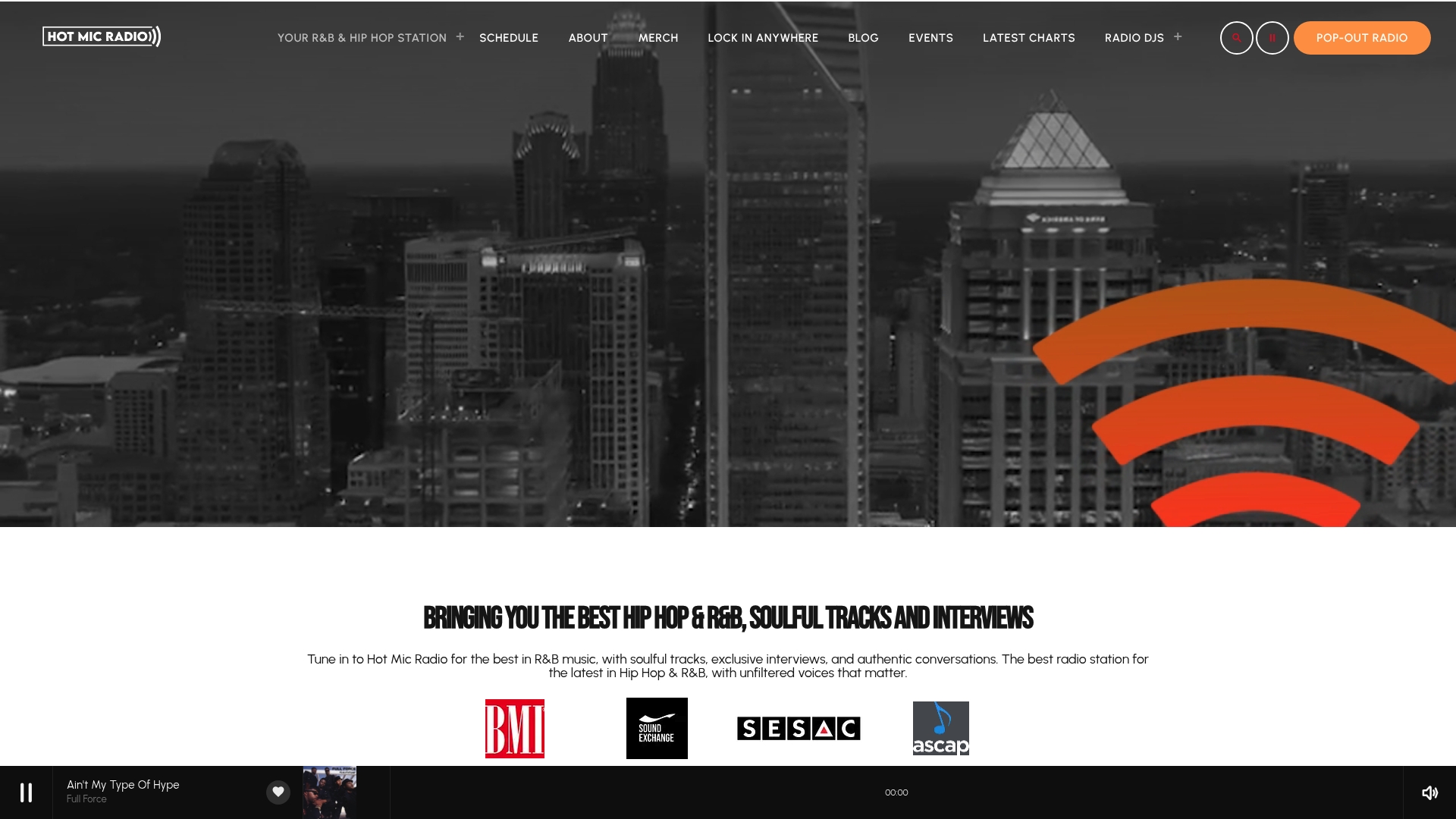
Hot Mic Radio isn’t trying to be everything. We’re the station that goes deep on Hip-Hop, R&B, neo-soul, gospel, Afrobeats, and dancehall, with live DJ sets that actually feel like a set, not a shuffled playlist, and a real commitment to independent artists who haven’t gotten their shine yet. For the best experience, download the official Hot Mic Radio app, available on both iOS and Android. The app features a daily schedule, direct access to our radio broadcast, and easy ways to submit your music or join the Bars & Beats Club membership program. You can find the app on the Google Play Store, or listen instantly at hotmicradio.app.
Ready to press play? Start with our Hip-Hop archives or dig into the R&B collection for the smoother side of the rotation. If you’re an independent artist looking to understand where you fit in this movement, check out what the independent music movement actually looks like right now, and see how outlets like Intonality are helping artists find their own lane outside the traditional label system. Add our stream to your Android app of choice, save it as a favorite, and welcome to the culture.
Sources
- Radioplayer (Google Play listing)
- How to Listen to FM Radio on Your Smartphone
- How much data does your radio app really consume? — Coolsmartphone

